SSH.COM is one of the most trusted brands in cyber security. We help enterprises and agencies solve the security challenges of digital transformation with innovative access management solutions.
  |
     |
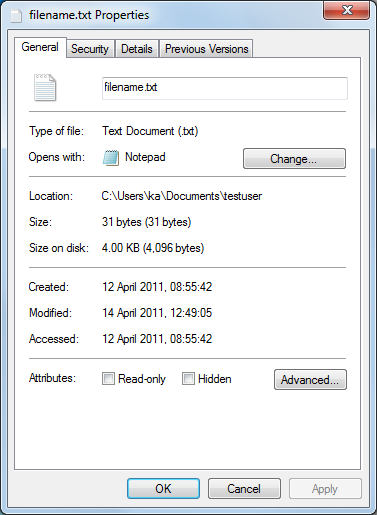
Selecting a file in the Local View or Remote View and selecting Operation → Properties (or Properties on the shortcut menu) opens the File Properties dialog which allows you to view and change some of the file properties.
View and define the properties as necessary. You can modify for example the read-write permissions of the file, or define the file as hidden.
For more information, see the operating system documentation.
| |
Copyright  2016 SSH Communications Security Corporation
This software is protected by international copyright laws. All rights reserved.
Contact Information