SSH.COM is one of the most trusted brands in cyber security. We help enterprises and agencies solve the security challenges of digital transformation with innovative access management solutions.
  |
     |
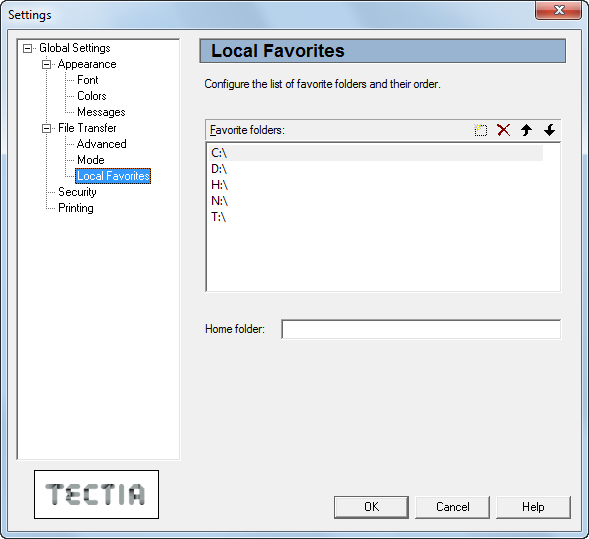
On the Local Favorites page of the Settings dialog you can create a list of commonly used directories on your local computer. These favorites can then be easily selected from a drop-down menu in the File Transfer window.
![[Note]](images/note.gif) | Note |
|---|---|
The file transfer settings made here only affect the Tectia File Transfer GUI, not the SFTP conversion or command-line tools related to file transfer. |
- Favorite Folders
This list contains the favorite folders you have defined for your local computer. Initially the list contains your locally available drives. You can add, remove and sort the favorites by using the New, Delete, Up, and Down icons displayed above the list.
- Home Folder
In the Home Folder field you can type the directory that is initially displayed in the local view pane of the file transfer window.
| |
Copyright  2016 SSH Communications Security Corporation
This software is protected by international copyright laws. All rights reserved.
Contact Information