The font used in the terminal window can be selected using the
Font page of the Settings dialog. The new font setting affects
the terminal window immediately when you click OK To discard
the changes, click Cancel.
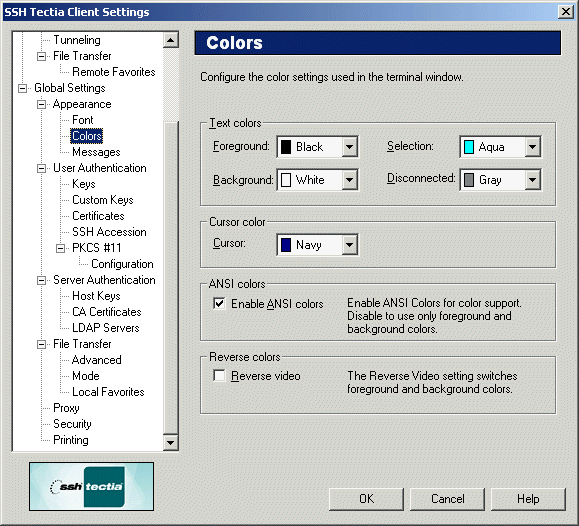
Figure : The Font page of the Settings dialog
Font Name
Select the desired font from the Font Name list. The list
displays the non-proportional (fixed-width) fonts installed in your
local computer. Note that proportional fonts are not suitable for the
terminal window and therefore are not available for selection.
Font Size
Select the desired font size from the Font Size list. Note that
the font size affects the size of the terminal window: the smaller the
selected font, the smaller the terminal window. However, after changing
the font size, the size of the terminal window can be modified.